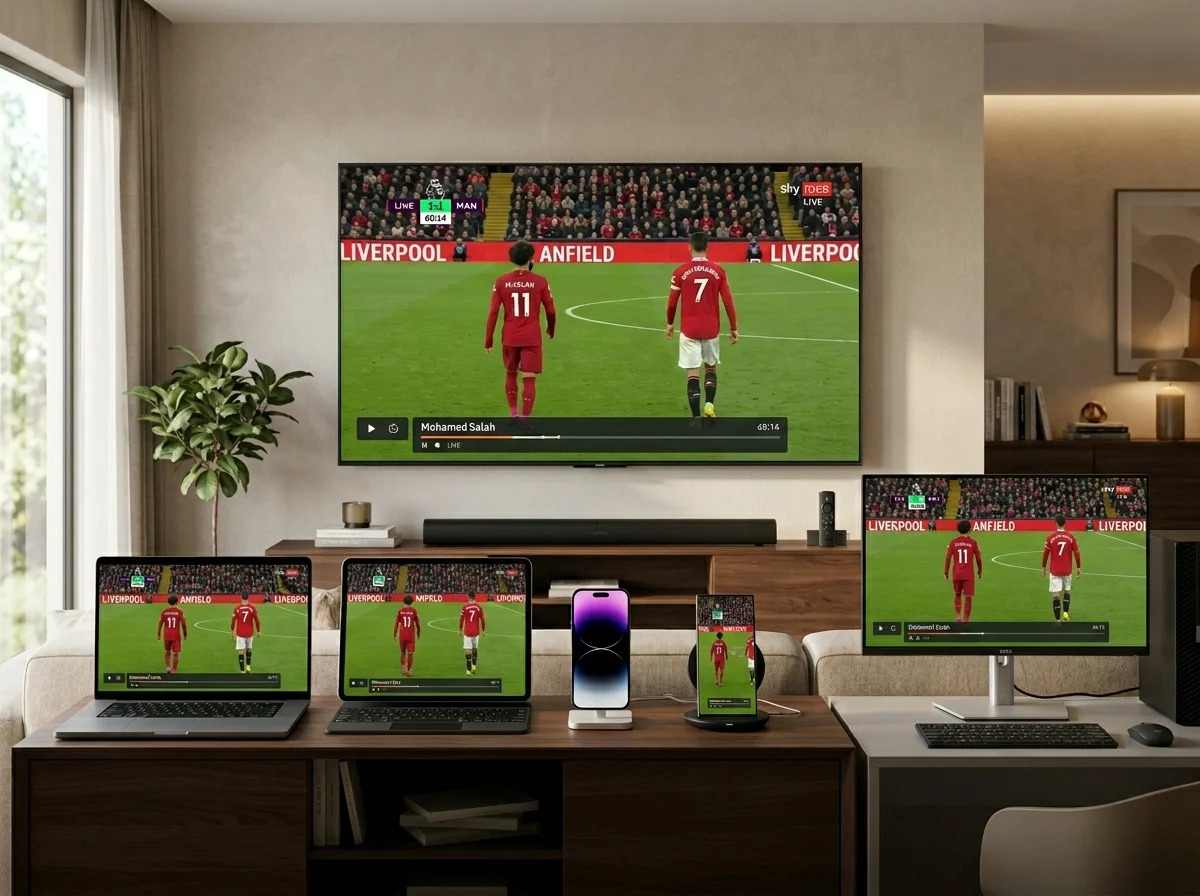
A smooth television experience depends on more than the IPTV service itself. In many Australian homes, the Wi-Fi network is an overlooked part of the streaming setup. We may have a fast broadband plan and a suitable IPTV service, yet still experience buffering, freezing, slow channel loading, or inconsistent picture quality.
This is because the connection between the router and our television or streaming device matters just as much as the internet connection coming into the home.
For anyone using IPTV Australia, improving Wi-Fi can sometimes make a noticeable difference without requiring a more expensive internet plan.
IPTV Subscription Australia: Why Wi-Fi Quality Matters
An IPTV subscription Australia users choose relies on an internet connection to deliver television content to compatible devices. The broadband connection provides access to the internet, while the home network distributes that connection around the property.
If the television receives a weak or unstable Wi-Fi signal, IPTV performance can suffer even when the broadband package itself is fast.
For this reason, we should evaluate the entire connection:
Internet service → Router → Wi-Fi network → IPTV device → Television
A problem anywhere along this chain can affect the viewing experience.
Internet Speed vs Wi-Fi Performance
One of the most common misunderstandings is assuming that internet speed and Wi-Fi performance are exactly the same thing.
They are not.
Our internet provider may deliver a fast connection to the home, but the television may receive a much weaker connection because of distance from the router, walls, interference, or network congestion.
For example, a household might have a high-speed broadband plan but place the router at one end of the house while the Smart TV sits several rooms away.
The television may then experience poor wireless performance despite the home’s fast internet service.
What Causes Weak Wi-Fi for IPTV?
Several factors can affect Wi-Fi performance.
Distance From the Router
The farther the television is from the router, the weaker the wireless signal can become.
Walls and Floors
Concrete walls, thick floors, metal structures, and other physical barriers can reduce wireless performance.
Wireless Interference
Other wireless networks and electronic devices can sometimes interfere with Wi-Fi performance.
Too Many Connected Devices
A household with numerous phones, computers, tablets, smart appliances, cameras, and entertainment devices can place additional demand on the network.
Router Location
A router hidden inside a cabinet or placed behind large furniture may not provide ideal wireless coverage.
Move Your Router to a Better Location
One of the easiest improvements we can make is changing the router’s position.
A router generally performs better when placed in a central, elevated, and relatively open location.
Avoid hiding it behind furniture or placing it in a closed cabinet.
If possible, position it where the wireless signal can reach important areas of the home without passing through unnecessary obstacles.
A small change in router placement can sometimes improve the connection to a television without changing the broadband plan.
Connect IPTV With Ethernet
When possible, an Ethernet connection can be an excellent solution.
Instead of sending data wirelessly from the router to the television or streaming device, Ethernet uses a physical network cable.
This can provide a stable connection and eliminate many of the wireless problems that affect distant devices.
Ethernet is particularly useful when:
- The television is close to the router
- Several people use Wi-Fi simultaneously
- The TV frequently buffers
- The streaming device supports Ethernet
- Maximum network stability is important
For a permanent living-room setup, a wired connection can be worth considering.
Upgrade Your Router
Older routers may not provide the same wireless performance as newer networking equipment.
If our router has been in use for many years, upgrading it may improve coverage, device management, and overall network performance.
A modern router can be especially useful for households with numerous connected devices.
However, we should not assume that purchasing the most expensive router will automatically solve every IPTV problem. The router should match the size of the home, internet connection, number of devices, and actual requirements.
Consider Mesh Wi-Fi for Larger Homes
A single router may struggle to provide strong coverage throughout a large property.
This is where a mesh Wi-Fi system can be useful.
Mesh systems use multiple connected units to extend wireless coverage around the home.
For example, if the main router is downstairs and the television is upstairs at the opposite end of the house, additional mesh nodes can help provide stronger coverage.
This can be a more practical solution than repeatedly increasing the internet speed.
Check Your Wi-Fi Before Upgrading Broadband
If IPTV is buffering, we should not immediately contact the internet provider and purchase a faster plan.
First, determine whether the problem is actually related to Wi-Fi.
We can test the television close to the router and compare its performance with its normal location.
If streaming improves significantly when the device is closer to the router, Wi-Fi coverage may be the issue.
If the same problems occur even next to the router, we can investigate other possible causes.
How Much Internet Speed Does IPTV Need?
The bandwidth required depends on video quality, service requirements, and the number of simultaneous streams.
As a general guide, HD streaming requires less bandwidth than 4K streaming. A household with several simultaneous streams also needs more overall capacity.
We should therefore leave some bandwidth available for other activities.
For example, if one person is watching IPTV while another is gaming, someone is attending a video meeting, and several phones are synchronising data, the household connection has to handle all of these activities simultaneously.
A faster broadband plan may help in such situations, but Wi-Fi quality still matters.
Test IPTV During Busy Hours
An IPTV connection should be tested when we normally watch television.
For many households, that means evening hours.
During the evening, several family members may be using the internet at once. Testing IPTV only early in the morning may not reveal problems that appear later.
Try watching during:
- Weekday evenings
- Weekend evenings
- Major sporting events
- Times when several household devices are active
This provides a more realistic assessment of our setup.
Use a Speed Test Correctly
A speed test can help us understand our connection, but we should interpret the results carefully.
Testing from a smartphone next to the router may show excellent performance while the television in another room struggles.
For IPTV troubleshooting, we should test as close as possible to the actual viewing device and location.
If the device supports a network test, use it. Otherwise, testing from a nearby phone or laptop can provide a rough indication of local Wi-Fi performance.
Check for Background Downloads
Other devices may consume significant bandwidth without us noticing.
Cloud backups, operating-system updates, game downloads, large file transfers, and other activities can compete with IPTV streaming.
If buffering happens when someone starts downloading a large file, this can indicate that the network needs better bandwidth management.
We can schedule large downloads for later or pause unnecessary activities during important viewing.
Quality of Service Can Help
Some modern routers include network-management features such as Quality of Service (QoS).
QoS can help prioritise certain types of traffic or devices.
For example, a router may allow the household to prioritise the television or streaming device over less important activities.
The exact features vary by router, so we should check the manufacturer’s documentation before changing advanced settings.
Keep Your Router Updated
Router firmware updates can improve security, stability, compatibility, and performance.
We should regularly check whether our router has available firmware updates and install them according to the manufacturer’s instructions.
The same principle applies to Smart TVs and streaming devices.
Keeping the entire entertainment setup updated can help avoid compatibility problems.
Check the IPTV Application
Sometimes the problem is not the Wi-Fi at all.
If every other online activity works normally but one IPTV application repeatedly crashes or buffers, the application or service may require investigation.
We can test another supported application or device if the provider offers one.
This helps determine whether the issue is connected to the network or the IPTV platform itself.
Wi-Fi 5, Wi-Fi 6, and Newer Standards
Modern Wi-Fi standards can provide improved efficiency and performance compared with older generations.
For households with many connected devices, newer Wi-Fi technology can be particularly useful.
However, both the router and receiving device need to support the relevant technology to take advantage of its capabilities.
We should therefore consider compatibility before buying new networking equipment.
Avoid Placing the Router Near Interference Sources
Router placement can make a surprisingly large difference.
We should avoid placing the router immediately next to devices or structures that could interfere with wireless signals.
A better position is generally:
- Central
- Elevated
- Open
- Away from large obstructions
- Away from unnecessary electronic interference
The goal is to provide the strongest possible wireless coverage throughout the areas where we regularly stream.
What If Wi-Fi Is Still Not Enough?
If we have improved router placement, tested the connection, reduced unnecessary network usage, and still experience frequent IPTV problems, we should investigate the remaining possibilities.
These may include:
- Broadband instability
- Router hardware problems
- IPTV application issues
- Streaming-device limitations
- Provider-side problems
- Insufficient bandwidth
- Poor service infrastructure
At this point, contacting the internet provider or IPTV provider may be appropriate.
The important thing is to identify the actual cause before spending money on unnecessary upgrades.
Build the Ideal IPTV Australia Home Network
A reliable IPTV setup does not need to be complicated.
A practical home network can include:
Reliable broadband: Provides sufficient internet capacity.
Modern router: Handles multiple connected devices efficiently.
Strong Wi-Fi: Provides stable coverage where the TV is located.
Ethernet: Offers a wired alternative when practical.
Compatible streaming device: Supports the required IPTV application.
Suitable IPTV service: Provides the content and features we actually need.
When these components work together, the viewing experience can become much more consistent.
Final Thoughts
IPTV Australia performance is influenced by much more than the IPTV subscription itself. Our Wi-Fi network can play a major role in determining whether television streams smoothly or repeatedly buffer.
Before upgrading broadband, we should examine router placement, Wi-Fi coverage, connected devices, network congestion, and the possibility of using Ethernet. In larger homes, a mesh Wi-Fi system may provide better coverage, while a modern router can improve performance for households with many connected devices.
For anyone using an IPTV subscription Australia, the secret to better streaming may not be buying a more expensive plan. It may simply be improving the connection between the router and the television.
A strong broadband connection combined with a well-designed home network can provide the stable foundation needed for a smoother and more enjoyable IPTV experience.